

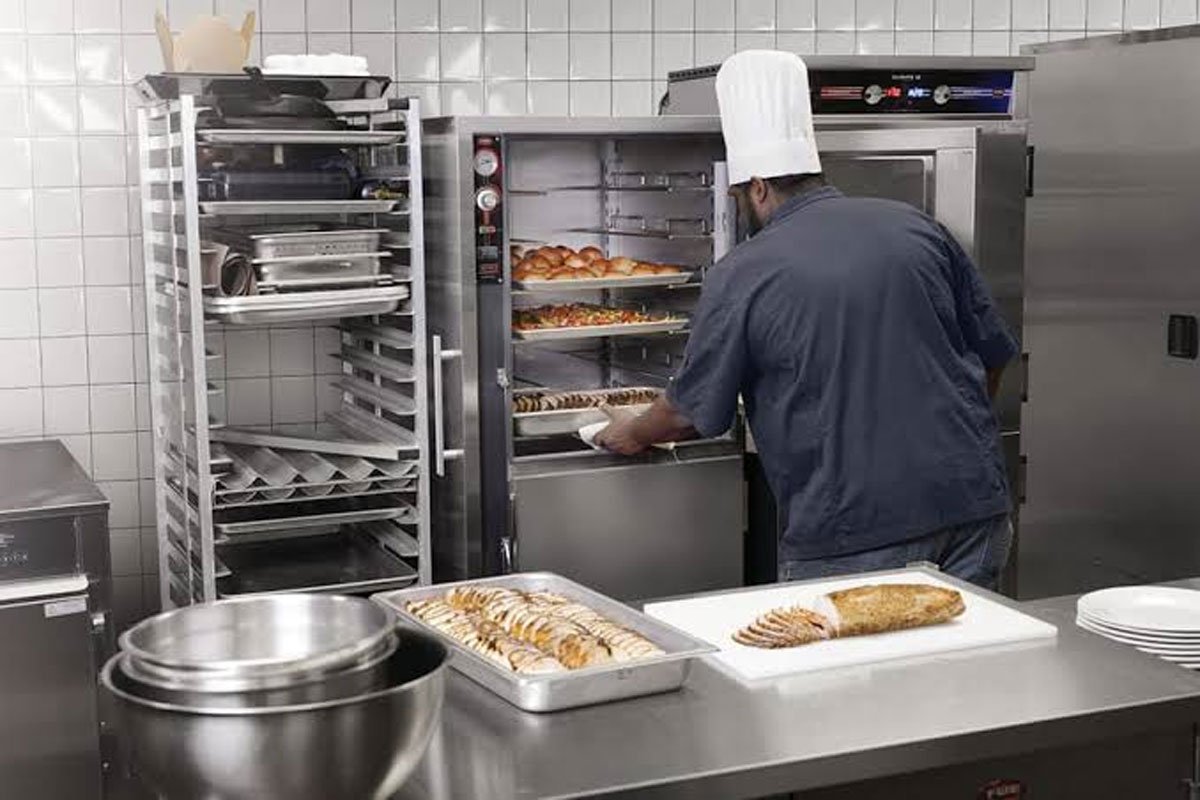
When your Merco holding cabinet fails to keep food at the right holding temperature, in some cases, the issue is just incorrect settings or a misplaced tray. In others, you’re dealing with a failed heating element or temperature sensor, or the problem can stem from an electrical control issue. Let’s walk through the most common causes and how to figure out when you need replacement Merco parts to get your commercial kitchen equipment back to doing its job.
Merco Holding Cabinet Troubleshooting at a Glance
Does the issue affect the whole cabinet or just one heating zone? Is there any error message displayed? Does the unit finish preheating? If the cabinet won’t turn on at all, check that the power cord is properly connected, the main switch is on, and the circuit breaker hasn’t tripped. Sometimes, simple fixes like these get overlooked.
The table below lists the first checks, which, however, don’t apply equally to every unit, as Merco makes different types of holding cabinets, including forced-air and heated-shelf models.
Symptom | Parts and Areas to Check First |
| Temperature is too high | Temperature settings, product arrangement, airflow on forced-air models |
| Cabinet isn’t getting hot enough | Preheat status, tray placement, heating zone readings |
| One heating zone stays cold | Possible heating element, heating pad, or sensor fault |
| Display shows an error | Model-specific error codes and service documentation |
| Temperature seems normal, but food itself isn’t hot enough | Correct holding setup and whether the cabinet has finished preheating |
Faulty Heating Elements or Heating Pads
If your Merco holding cabinet is not heating even though the settings look correct, the heating hardware deserves a closer look. Depending on the model, Merco equipment may use air heaters, heated plates, or heating pads. When these fail, the unit struggles to reach its target temperature.
Signs of a heating element problem include:
• A heating zone stays below its setpoint after the expected preheat period.
• One section doesn’t heat while other zones operate normally.
• The display reports a heater-related fault.
• On certain MHC Visual Holding Cabinets, a crosshatched heating-zone display disables the associated timer.
Note which zone is affected and record any error messages. After testing the heating circuit, a technician can determine whether the heating element needs replacing.
Defective Thermocouples or Temperature Sensors
Your cabinet can’t regulate heat properly without accurate temperature feedback from sensors and that’s where thermocouples come in. These sensors monitor temperatures and send readings to the cabinet’s electronic controls. If a thermocouple fails or its wiring develops a fault, the control system may no longer receive accurate information about the heating zone.
The result? A zone may struggle to keep the heat at a proper level or report a fault even when other parts of the cabinet seem to be working.
Some MercoMax models display model-specific error codes (may not apply to all models), which point to thermocouple faults:
Error code | Meaning |
| ErU1 / ErL1 | Upper/lower heater or thermocouple circuit shorted |
| ErU2 / ErL2 | Upper/lower heater or thermocouple circuit open |
| ErU3 / ErL3 | Upper/lower heater or thermocouple reading below range |
| ErU4 / ErL4 | Upper/lower heater or thermocouple reading above range |
Write down the exact code if shown and the heating zone affected. Check your model’s service manual before deciding which component needs attention. A code that signals an open circuit, for instance, doesn’t prove that the sensor itself has failed. Wiring or another part of the heater circuit could be the problem.
Malfunctioning Control Boards or I/O Boards
The heating element produces heat. The sensor reports temperature. The control system and its I/O boards coordinate the two. An I/O board failure may affect how heating zones work or components communicate. And the symptoms aren’t always obvious. You might notice a zone that doesn’t respond correctly, an error that keeps coming back, or a heating problem that continues even after the settings have been checked. Error messages may appear on some models (not universal across all cabinet lineups):
• MOD-ERR1: a timer bar has lost communication with an I/O board.
• MOD-ERR2: communication has been lost between master and slave I/O boards.
Poor Air Circulation
Not every temperature-related issue stems from an electrical component. On forced-air heating cabinet models, the issue could be excessive loading that stands behind poor air circulation. If the crew reinstalls the trays and air diffusers incorrectly after cleaning, this may affect heating system operation. Similarly, crowding the cabinet can interfere with proper air movement.
Bottom Line
If your Merco holding cabinet is not maintaining temperature, it’s worth checking the settings and loading arrangement in the first place. See whether the problem affects one zone or the entire cabinet and note any error code if displayed. If electrical components need professional attention, sourcing quality Merco parts from a reputable brand and supplier means getting the warmer back into service instead of chasing the same temperature issue through another busy shift.